Insights
The apps for iOS and Android: how we build and test them
Published on
The ForkScan Pro apps for iPhone, iPad and Android devices are fully developed and are being prepared for the App Store and Google Play. How they are built, why they use the same data and texts as the customer portal, how we test them with more than 700 automated tests per app and what you can expect.
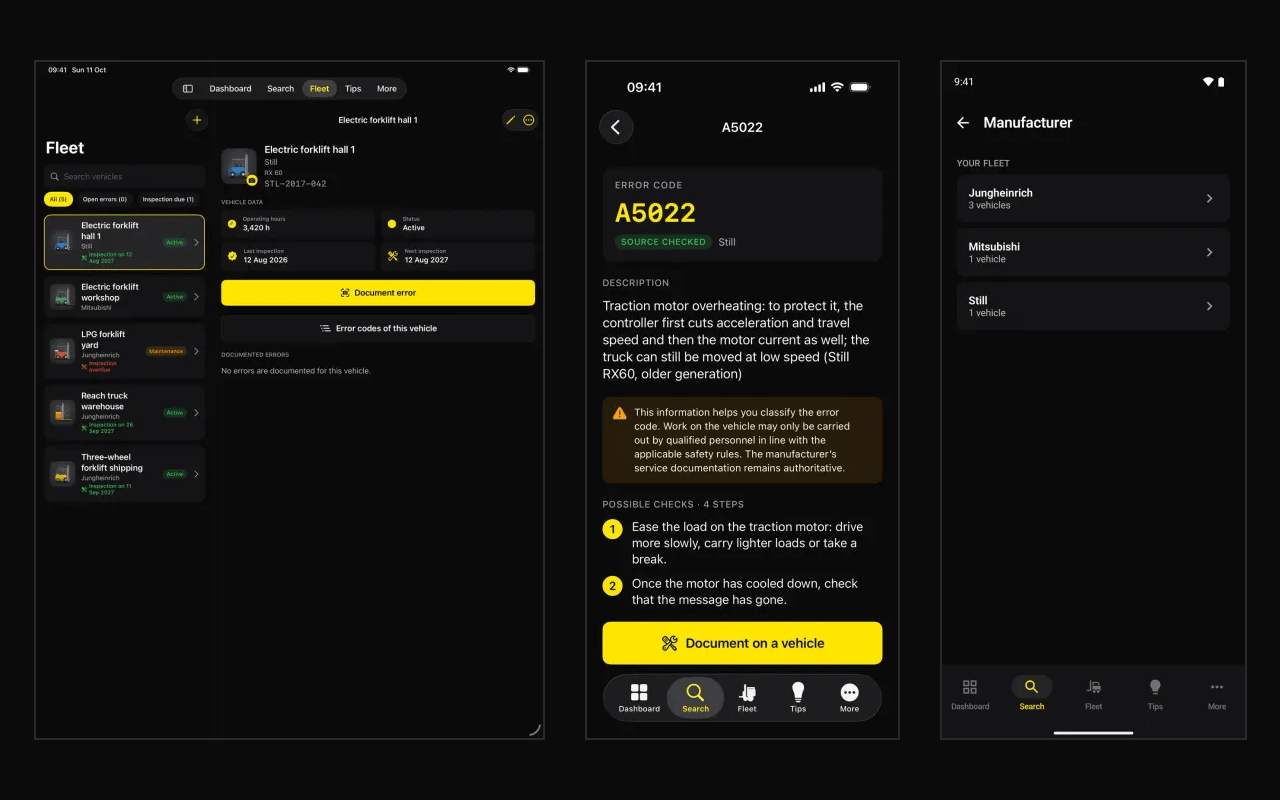
Two apps, built natively
Instead of one app for all platforms, we build two: one for iPhone and iPad with SwiftUI, Apple's own framework for user interfaces, and one for Android with Kotlin and Jetpack Compose. Both apps have been native since the end of September 2026, replacing the first, cross-platform app.
Native apps feel familiar on each device and use what the system provides: the camera, on-device text recognition with which the apps read an error code from the vehicle's display, and unlocking with face or fingerprint.
So that both behave the same, they are built the same way: screens, flows and even the names in the program code correspond. Anyone who knows one app finds their way around the other, and a change can be made in the same place in both apps.
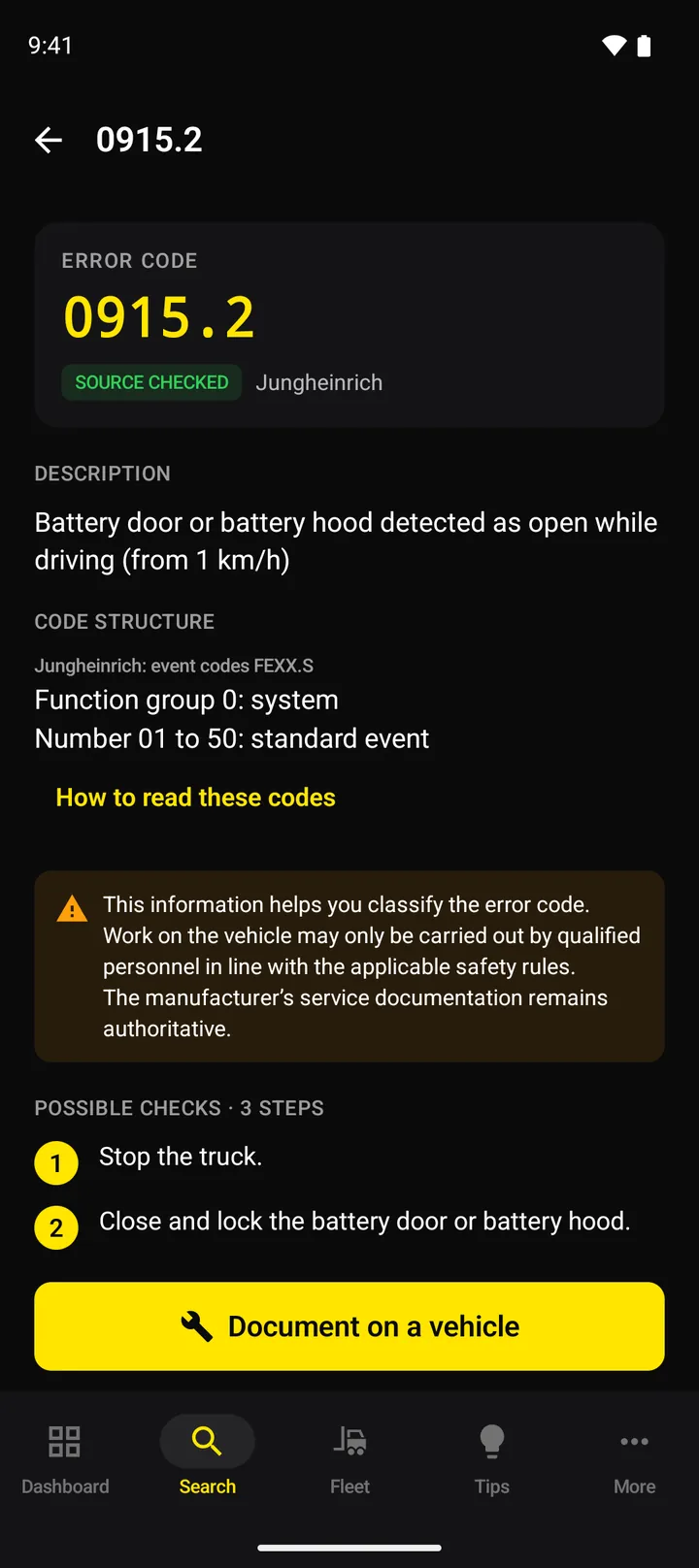
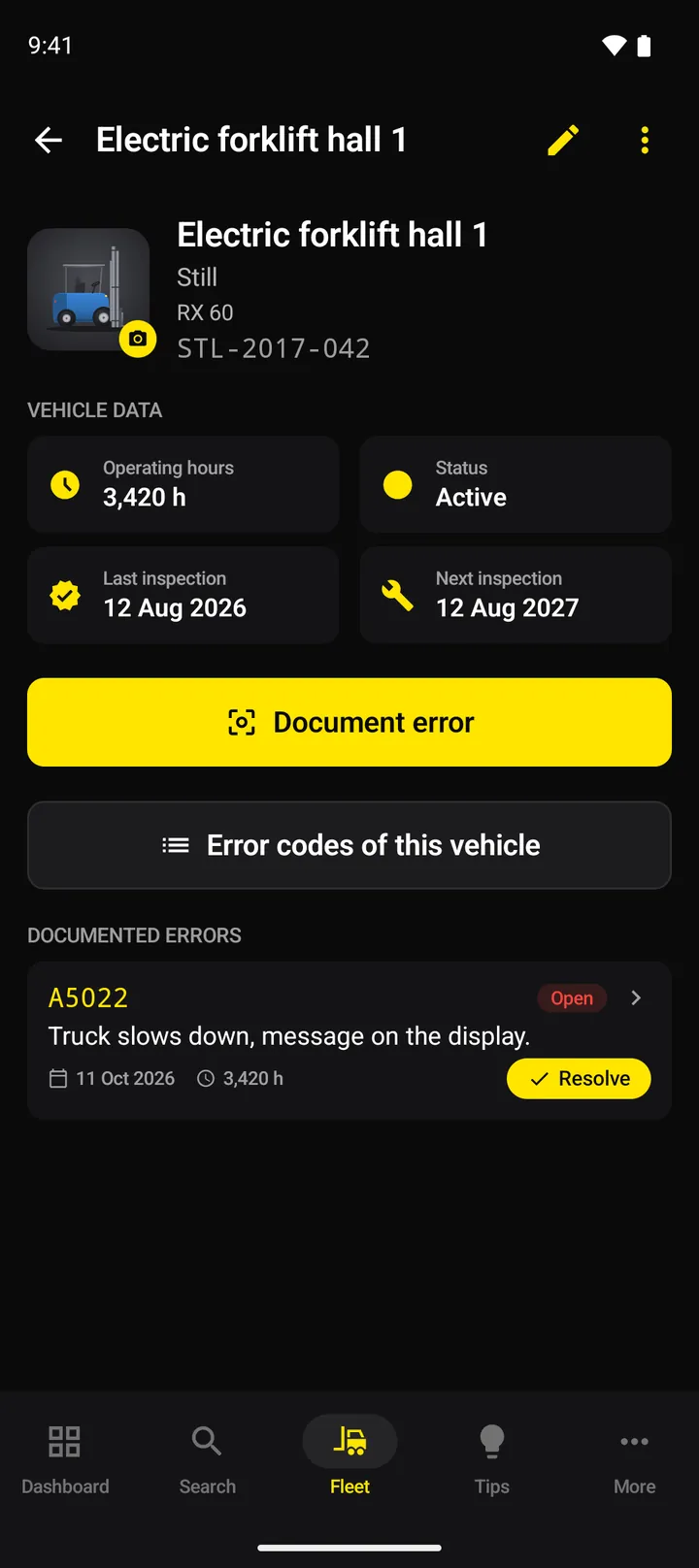
The same data and texts as the customer portal
The apps are not a world of their own next to the portal. They sign in with the same account and work with the same data: error codes, fleet, inspection dates, documented errors and practical tips. What you change on a vehicle in the app, your colleagues see in the customer portal, and vice versa.
The wording is aligned too: what exists in both the apps and the portal is meant to have the same name in both places, such as “Licences & devices”. All texts are available in German and English. The Android app takes its texts automatically from those of the iOS app, and an automatic check flags it when the two drift apart. The apps and the portal explain how an error code is structured by the same rules; shared test cases check that they all reach the same result.
Offline pack: look things up without a network
In halls, basements and out in the yard, there is not always a network. With a plan that includes fleet management, the apps therefore load the released error codes for your fleet onto the device as an offline pack. It is a selection, not the entire database.
The pack updates itself when it is older than a day or when your fleet or the language has changed, and at the push of a button. The apps mark answers given without a connection as offline data with a date, so you know how current the details are. On the device, the pack is stored encrypted.
More than 700 tests per app
Each app has its own set of automated tests: as of October 2026, there are more than 700 in the iOS app and more than 800 in the Android app. They check, for example, the search and the offline pack, the syncing of the fleet with the portal, what happens to changes when the connection drops, the texts in both languages and the layout on tablets.
Some of the tests run complete flows against a test backend of our own on the development computer, never against the real service: sign-in, search, fleet, documented errors with photo, practical tips and the offline pack. We only upload a new version when all tests pass.
Tests do not replace looking at real screens. On top come manual runs in the simulator and on devices, for example with the largest text size of the system.
What you can expect
The apps are fully developed and are being prepared for the App Store and Google Play. We deliberately do not name a date. Once they are released:
- You sign in with the same account as in the customer portal.
- A demo mode with sample data shows all screens, without an account and without a connection to the server.
- What the app can do depends on your plan, as in the portal: fleet and offline pack come with a plan that includes fleet management.
- You choose the language in the app: German or English, regardless of the device setting.
- The apps only send crash reports if you switch this on under “More”.
Feedback from practice helps us with the next versions: we would like to hear what you are missing in the workshop or what gets in your way. Until then, ForkScan Pro runs in the browser, on a PC as well as on a smartphone.